> ## Documentation Index
> Fetch the complete documentation index at: https://dify-6c0370d8-release-1-15-0.mintlify.site/llms.txt
> Use this file to discover all available pages before exploring further.
# Multilingual README
> Add per-language README files so Dify Marketplace shows your plugin's documentation in each user's preferred language
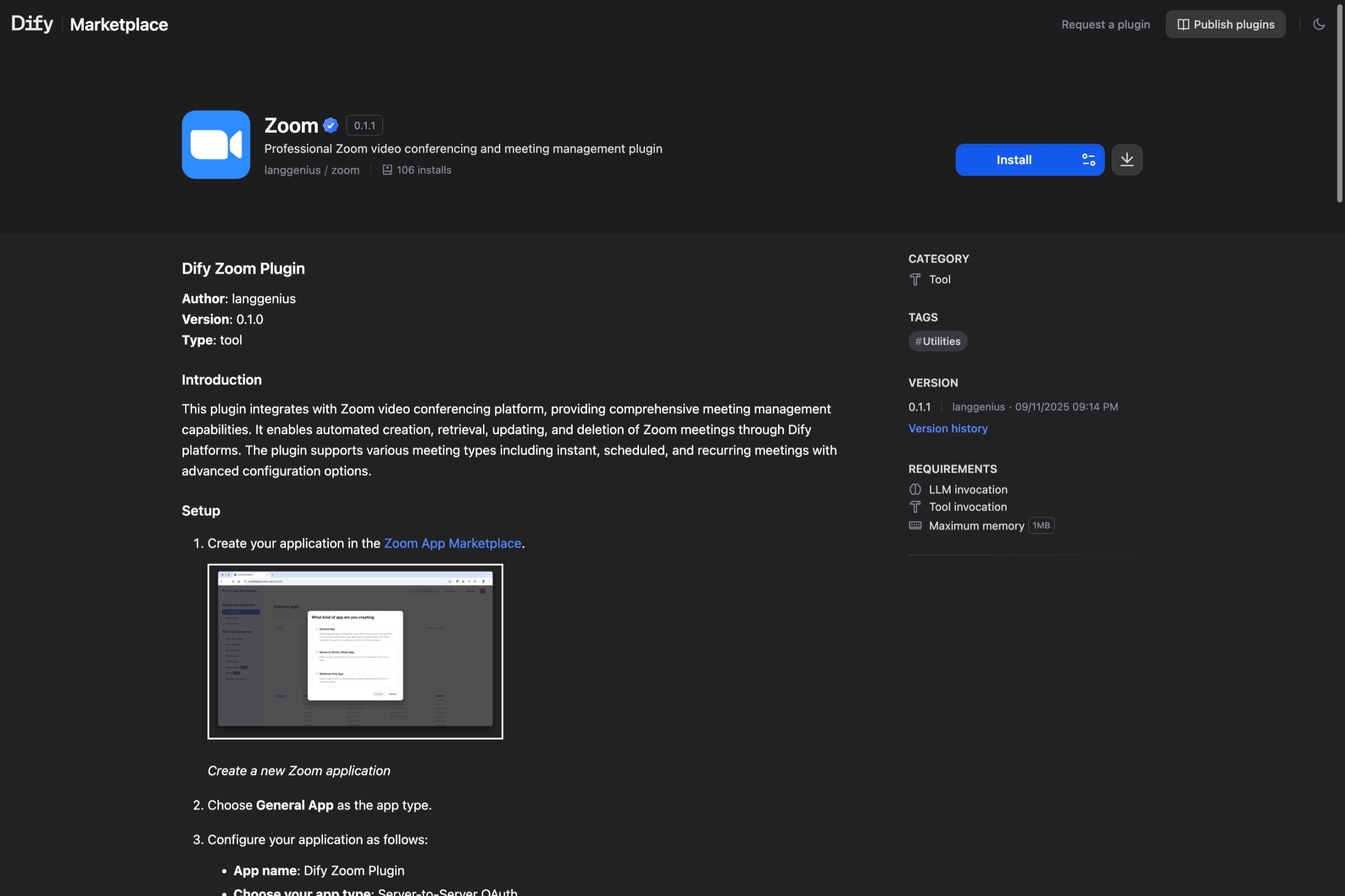
A plugin's README is the first thing users read on the [Dify Marketplace](https://marketplace.dify.ai) detail page. Adding translations lets non-English users read your docs in their own language without losing the original.
## File Specifications
| Language | Required | Filename | Path |
| :------------------ | :------- | :------------------ | :---------- |
| English | Yes | `README.md` | Plugin root |
| Simplified Chinese | No | `README_zh_Hans.md` | `readme/` |
| Japanese | No | `README_ja_JP.md` | `readme/` |
| Portuguese (Brazil) | No | `README_pt_BR.md` | `readme/` |
All files must be UTF-8 encoded. The English `README.md` always stays in the plugin root; every other language goes inside a `readme/` subdirectory.
```text theme={null}
your_plugin/
├── README.md
├── readme/
│ ├── README_zh_Hans.md
│ ├── README_ja_JP.md
│ └── README_pt_BR.md
├── manifest.yaml
├── main.py
└── ...
```
## Recommended Structure
Keep READMEs concise, under \~500 words. The Marketplace detail page surfaces the README directly, so optimize it for someone evaluating whether to install:
```markdown theme={null}
# Plugin Name
One-sentence summary of what the plugin does.
## Features
- Key capability 1
- Key capability 2
- Key capability 3
## Setup
1. Where to get the credentials (link to the upstream service).
2. Where to paste them in Dify.
## Usage
A minimal example — for a tool, show the inputs and outputs. For a model
provider, show the model selector. Screenshots help.
## Privacy
Briefly describe what data the plugin sends to third parties. Link to your
PRIVACY.md.
```
Avoid putting a full API reference or development notes in the README; those belong in source comments or a separate docs site. The Marketplace audience is end users picking a plugin, not contributors reading your codebase.
## How the Marketplace Picks a Language
When a visitor opens your plugin's detail page, the Marketplace looks for a README matching their UI language. If a match exists in the `readme/` directory, it renders that file. Otherwise it falls back to the English `README.md`.
 Language codes are matched exactly: `README_zh_Hans.md` serves Simplified Chinese only; Traditional Chinese users see the English fallback.